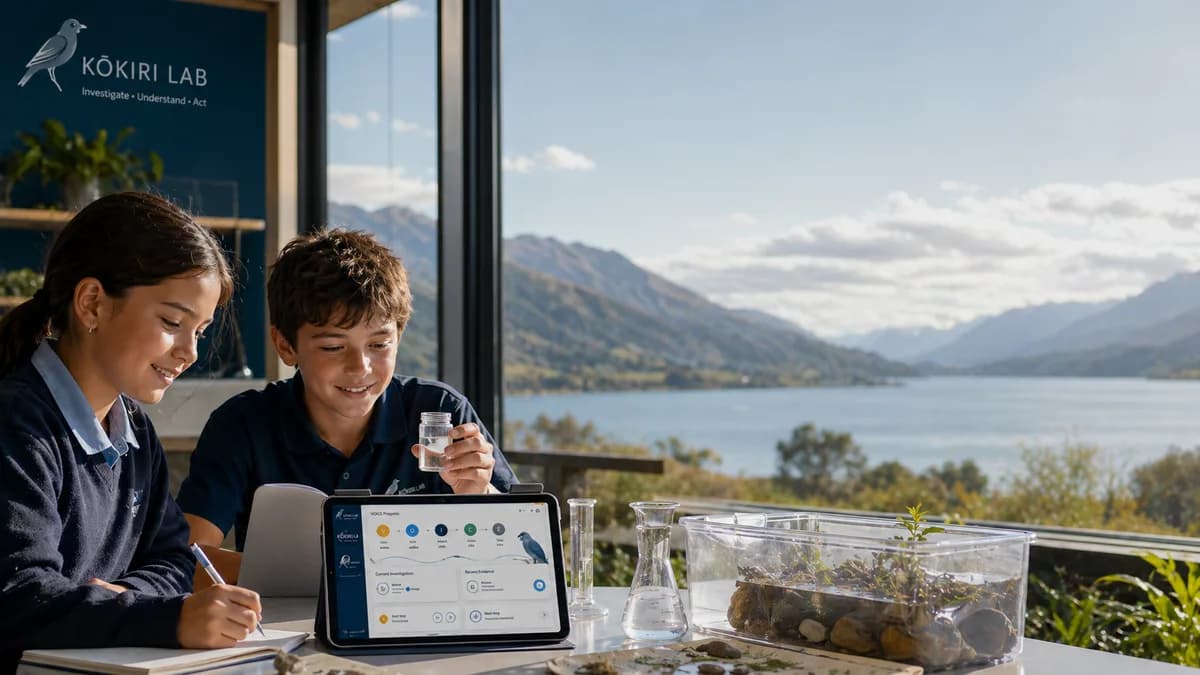
Digital interfaces for inquiry
Human-centred design for data and decisions
Who uses your interface — and can they reach the evidence they need without misreading it?

Technology inquiry
Digital interfaces for inquiry
Human-centred design for data and decisions
Digital Technologies · Designing and developing digital outcomes
Wero
Who uses your interface — and can they reach the evidence they need without misreading it?
First step
Run two timed tasks with a classmate; note hesitation points; fix one contrast or label issue from their feedback.
What you will show
Revised wireframe with accessibility rationale tied to timed user-test notes.
Local place context
What real user need does your interface prototype address?
Digital Technologies · Designing and developing digital outcomes
First step
Run two timed tasks with a classmate; note hesitation points; fix one contrast or label issue from their feedback.
Expected outcome
Revised wireframe with accessibility rationale tied to timed user-test notes.
You will audit, prototype, test, and revise a simple interface — arguing for accessibility with evidence. Whether a digital interface meets accessibility and HCI standards for a real science audience. Audit notes, prototype screenshots, user feedback, revision annotations.
Five ways you could investigate
Pick one to start — or write your own question. The AI mentor supports you gently inside your investigation.
Idea 1
Accessibility contrast test
Can all users read your interface in bright light?
Start with this question →Idea 2
Navigation path time
How many taps to reach the key graph — and is that fair?
Start with this question →Idea 3
Error message clarity
Do users recover faster after your revised message?
Start with this question →Idea 4
Mobile vs desktop layout
What breaks on a phone that works on a laptop?
Start with this question →Idea 5
User test iteration
What one change from user testing improved task success?
Start with this question →
Five things you could build
Fabrication ideas linked to makerspace tools — 3D print, laser cut, Arduino, data products, and more.
Build 1
Wireframe v2
Revise layout based on timed user tasks.
Open in outcome selector →Build 2
Accessible colour palette card
Print or vinyl a palette that passes contrast checks.
Open in outcome selector →Build 3
Prototype enclosure for kiosk
Laser-cut a simple kiosk frame for demo.
Open in outcome selector →Build 4
Usability findings poster
Summarise tests without blaming users.
Open in outcome selector →Build 5
Live demo mount
3D print a tablet stand for classroom testing.
Open in outcome selector →
AI mentor (inside your investigation)
No separate mentor page — support appears in your investigation workspace. It starts gentle: short prompts about your research context, data, and analysis. You or your teacher can turn assistance off for unassisted work, or request more help when you need it. It also guides fabrication choices tied to your evidence.